
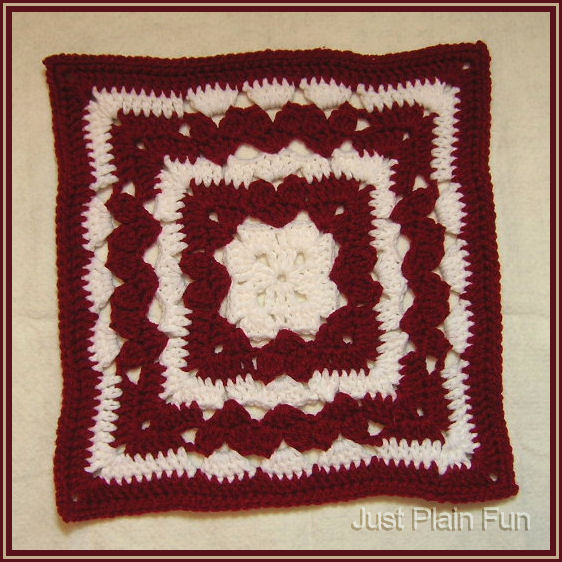
Valentine Pillowghan Square
Designed by Julie A. Bolduc
Pattern ID: p121008
Date Added: February 11, 2011
This 12in by 12in pillowghan square has hearts on the inside red rows. If look closely, you can see them. The hearts are made with cluster stitches worked over 2dc. It is a fun and fairly fast square to make and would make a great pillowghan square for a friendship exchange.
Pattern Links
All items in our online shop ship free within the US only. I currently offer U.S. shipping only and it is from rural Maine. Delivery can vary from 2–14 days depending on your distance from Maine. Expedited shipping is not available.
Please note: I am now selling all of my paper bead making tools and other items from this web site using Paypal payments.
I have removed all of my paper bead making tools from Amazon. My Kindle crochet pattern books and paper template paperback books continue to be available on Amazon, as they are printed and fulfilled directly by Amazon. If you would like to shop my Etsy Store, follow the link in the header above.
Random Quick Tip!
Cute Gift Bag WrapperUse one of the bag patterns, on the site, as a gift wrapper and put something wonderful inside. Then the recipient will have two gifts in one!